
OnyX alternative for Mac
By Mohammed Chaara. Updated October 21, 2026. Facts about OnyX come from its own website or App Store page, listed at the end.
What OnyX is
OnyX is a free maintenance utility from Titanium Software, which accepts donations. It checks the startup disk's S.M.A.R.T. status and file system, rebuilds the Launch Services database, Spotlight index and Mail mailboxes, and cleans system, app and internet caches and logs. It can uninstall an app with its related files and folders, and its Parameters section has settings for screenshots, Finder, the Dock, the login window and more. There's a separate OnyX for each macOS: 4.6.2 for Sonoma, 4.8.5 for Sequoia, 5.0.6 for Tahoe, and 5.1.1 for macOS 27 Golden Gate on Apple silicon.
OnyX vs MrFixable
| OnyX | MrFixable | |
|---|---|---|
| Price | Free, donations welcome | $19.99 once (lifetime license) for all 68 fixes, with a 14-day free trial |
| macOS support | A separate version for each macOS release, from Mac OS X 10.2 to macOS 27 | One app for macOS 14.2 Sonoma or later, tested on macOS 26 Tahoe |
| Disk checks and rebuilding indexes | S.M.A.R.T. status, file system check, Launch Services, Spotlight and Mail rebuilds | None |
| Cleaning | System, app and internet caches, logs, Xcode folders and more | Free Up Space: app caches, Xcode build files, npm and Gradle caches, simulators, Downloads older than 30 days and the Trash, with the size of each |
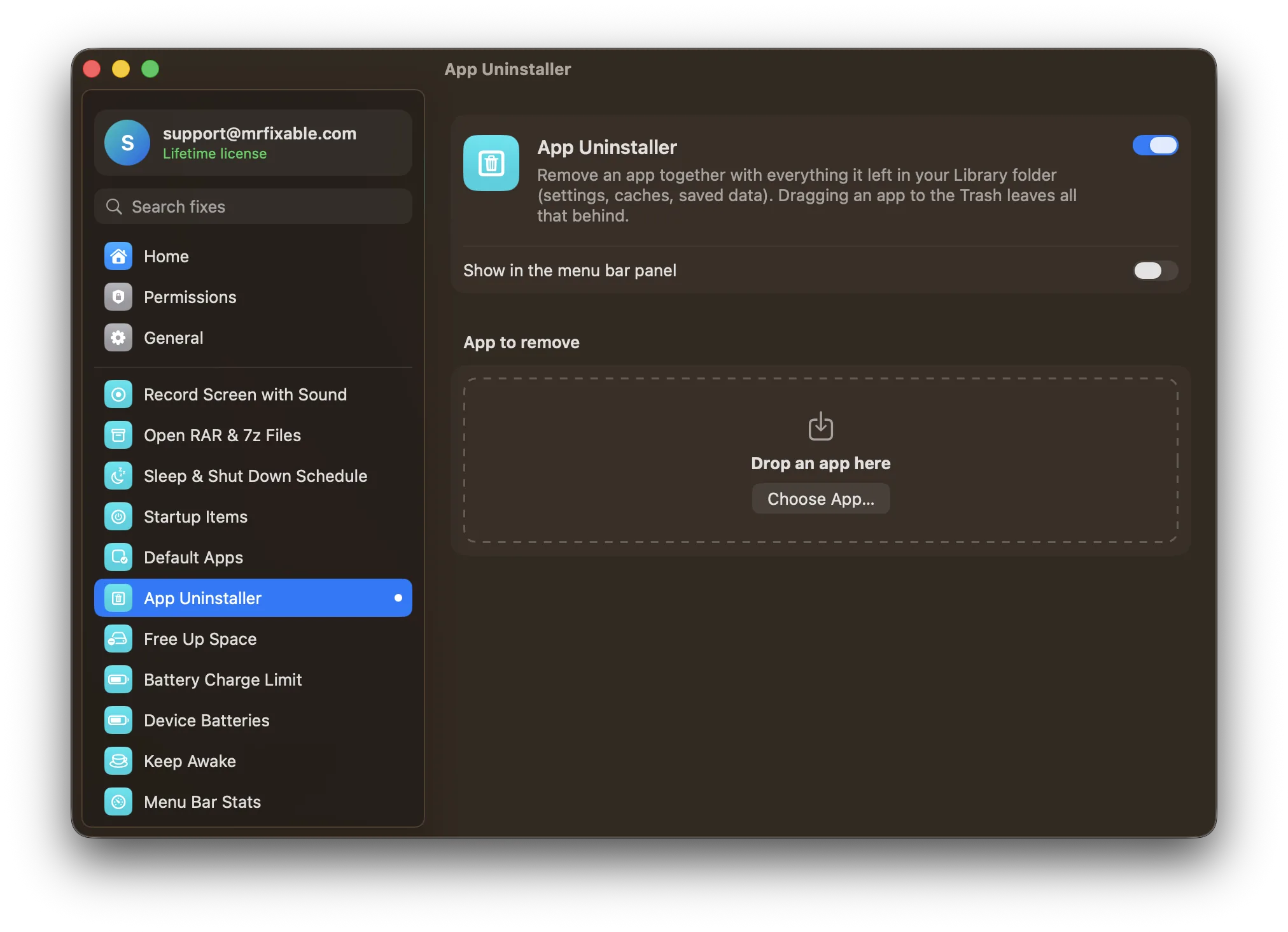
| Uninstalling apps | Removes an app and its related files and folders | App Uninstaller lists the leftovers it finds, lets you untick any, and moves everything to the Trash |
| Hidden files and desktop icons | Switches in Parameters › Finder | Show Hidden Files and Hide Desktop Icons, one switch each |
| Finder settings | Path in the window title, path bar, list view and Quick Look options | Better Finder: file extensions, folders on top, full path, path bar, status bar, search the current folder |
| Screenshot settings | File type, name, folder, shadow, floating thumbnail and pointer | Screenshot Settings: folder, PNG, JPG or HEIC, shadow and floating thumbnail |
| .DS_Store files | Stops them on network volumes | No .DS_Store on Drives: stops them on network shares and USB drives |
| Moving windows | A switch to move windows by dragging anywhere with ⌃⌘ held | Move & Resize from Anywhere: drag to move, right-drag to resize, with ⌃⌘ or other keys you choose |
Where each one is better
- It's free.
- It has maintenance tools MrFixable doesn't: disk and file system checks, and rebuilding the Launch Services database, the Spotlight index and Mail's mailboxes.
- It cleans more kinds of files, including system and internet caches and logs.
- Far more settings in one place, for the Dock, menus, the login window, Safari and other Apple apps.
- There's a version for almost every macOS release, back to Mac OS X 10.2.
- Each fix is one switch with a plain explanation of what it changes, and switching it off puts the setting back.
- Free Up Space shows how much space each item takes before you clean, skips apps that are open, and moves old Downloads to the Trash so you can get them back.
- App Uninstaller shows every leftover it found and lets you keep any of them. Everything goes to the Trash first.
- No .DS_Store on Drives covers USB drives as well as network shares, and Move & Resize from Anywhere resizes windows too.
- One version works on macOS 14.2 Sonoma and later, and MrFixable has 68 fixes beyond maintenance, such as window snapping and per-app volume.
Switching from OnyX
You don't have to undo anything: settings you changed with OnyX stay as they are. In MrFixable, turn on the fixes for what you used OnyX for: Free Up Space and App Uninstaller for cleaning, and Show Hidden Files, Better Finder, Screenshot Settings or No .DS_Store on Drives for settings. Keep OnyX for disk checks and index rebuilds. If both change the same setting, the last change wins.
Questions
Is OnyX free?
Yes. OnyX is free, and its developer, Titanium Software, accepts donations. MrFixable costs $19.99 once, with a 14-day free trial. It doesn't replace all of OnyX, but it covers the common jobs: clearing caches, uninstalling apps with their leftovers, showing hidden files, and changing Finder and screenshot settings.Which version of OnyX do I need?
The one made for your macOS. Titanium Software makes a separate OnyX for each release and warns not to use one meant for an earlier system: 4.6.2 for Sonoma, 4.8.5 for Sequoia and 5.0.6 for Tahoe. MrFixable is one app for macOS 14.2 Sonoma or later.Can MrFixable rebuild the Spotlight index or check my disk?
No. MrFixable has no disk checks or index rebuilds. OnyX does both. macOS can also check a disk itself: open Disk Utility, select the disk and click First Aid. MrFixable sticks to everyday fixes, such as Free Up Space for caches and App Uninstaller for the files apps leave behind.Is it safe to delete caches on a Mac?
Yes, for app caches: they're temporary files apps make again when needed. MrFixable's Free Up Space skips apps that are open and shows the size of each item before you clean. Old Downloads go to the Trash, so you can still get them back, and emptying the Trash is a separate choice.