
Your Mac's input volume keeps changing because call apps like Zoom and Chrome adjust it automatically. In Zoom, go to Settings › Audio and uncheck Automatically adjust microphone volume. Browsers have no such setting. If the microphone itself switches, choose yours again in System Settings › Sound › Input, though macOS switches again when a new one connects.
Two things make a Mac's microphone change behind your back:
- The level moves. You set the input volume, join a call, and it's somewhere else: usually lower, so people say you sound far away.
- The microphone itself switches. You connect a webcam, a monitor with a built-in mic, or your iPhone comes near, and your Mac starts using that microphone instead of yours.
Why does my Mac's input volume keep changing?
Call apps and browsers have automatic gain control: they turn your microphone up and down to keep your voice at a steady level. On a Mac they do it by moving the actual input level, the same slider you see in System Settings › Sound › Input, and they don't always put it back.
Where you can turn it off:
- Zoom: Settings › Audio, uncheck Automatically adjust microphone volume.
- Discord: Settings › Voice & Video, turn off Automatic Gain Control.
- Chrome and other browsers (Google Meet, web calls) have no setting for it.
Why does my Mac keep switching microphones?
When a new microphone connects, macOS often makes it the one in use. With Continuity, your iPhone can also offer itself as a microphone when it's nearby. You can choose your microphone again in System Settings › Sound › Input, or from the sound menu in Control Center, but macOS switches again the next time something connects.
Questions
Why does my Mac's microphone input level not work?
Some USB and other external microphones have no level control that macOS can set, so moving the Input volume slider in System Settings › Sound › Input doesn't change them. Set the level on the microphone itself, or in the app that came with it.
Does the input volume go up by itself too?
Yes. Automatic gain control turns the level up when you speak quietly and down when you're loud. Either way, it often leaves the slider somewhere other than where you set it.
Keep your microphone and its level
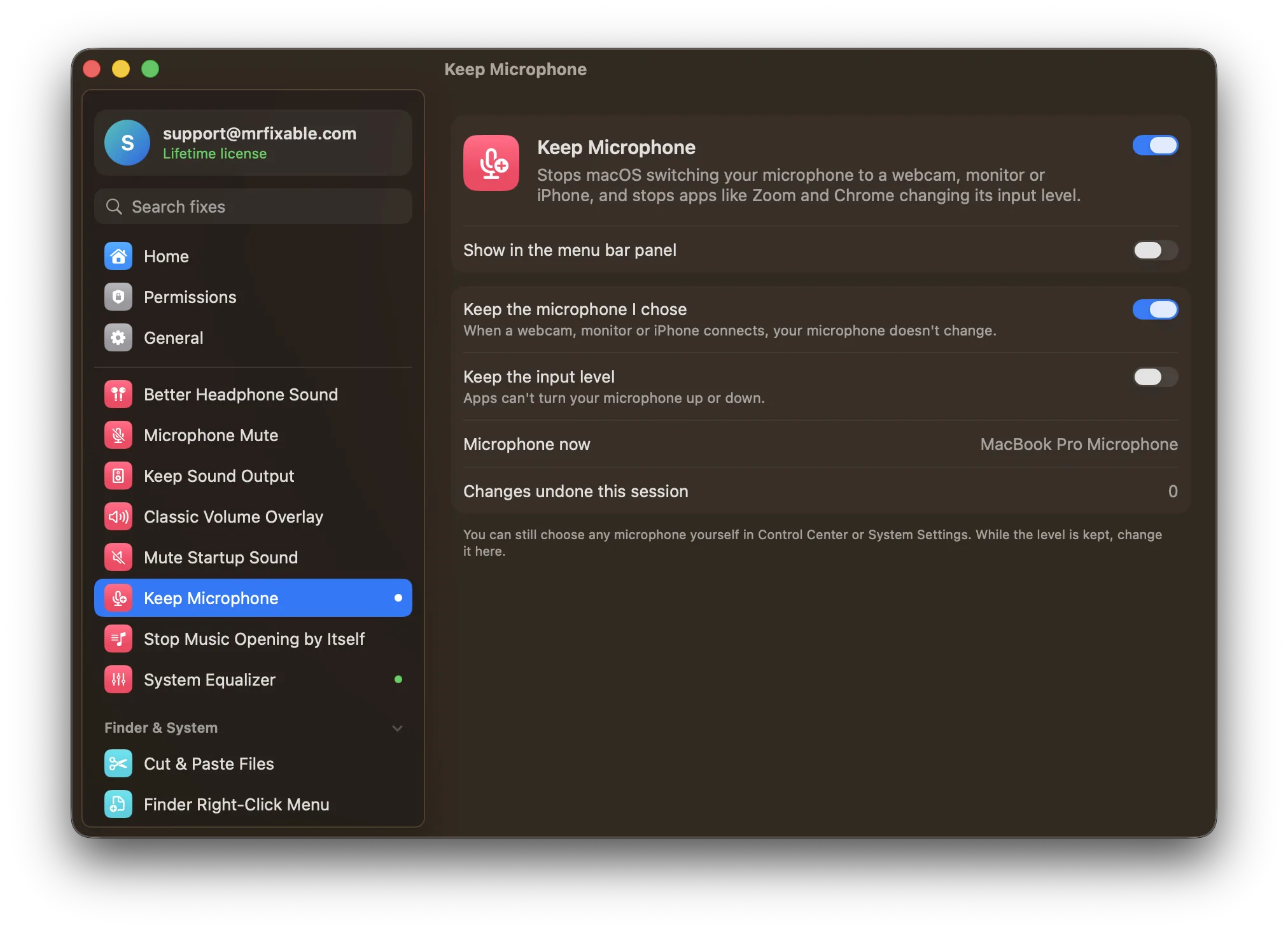
Keep Microphone in MrFixable puts both back the moment they change:
- Keep the microphone you chose. When a webcam, monitor or iPhone connects, your microphone stays the same. You can still pick another one yourself any time.
- Keep the input level. Set it once, and Zoom, Chrome, Teams and others can't move it. MrFixable puts it straight back, so it's always the level you chose.
Bluetooth headphones and mute
- AirPods sound bad on calls? That's a different microphone problem. Keep Headphones Sounding Good keeps your Mac's microphone in use so your headphones stay in high quality. See why AirPods sound muffled on Mac calls.
- Mute everywhere at once: Microphone Mute Shortcut mutes your microphone in every app with one shortcut.