
AirPods sound muffled on a Mac when an app uses their microphone, because Bluetooth switches to a low-quality headset mode. To fix it, open System Settings › Sound › Input and choose your Mac's microphone instead. Your AirPods then keep their full sound quality, but macOS may switch back each time they reconnect.
Your AirPods sound great with music. Then you join a call, or open an app that uses the microphone, and everything turns muffled, like an old phone line. When the call ends, the good sound comes back.
Why do AirPods sound bad on calls?
Bluetooth has to share its limited bandwidth between sound going to your ears and sound coming from the microphone. When a Mac app starts using the headphones' microphone, the connection switches to a headset mode that carries both directions at once, at much lower quality. That's the muffled sound.
It's not just calls: any app that listens to the microphone, like dictation or a voice recorder, triggers the switch.
How to fix it: use your Mac's microphone
If your headphones aren't using their microphone, they stay in high-quality mode:
- Open System Settings › Sound › Input.
- Choose your Mac's built-in microphone (or a USB microphone) instead of the headphones.
- In call apps like Zoom, Teams or Meet, check their own audio settings too: many pick a microphone themselves.
The catch: macOS tends to switch the input back to your headphones every time they reconnect, so you end up doing this again and again.
Questions
Does this happen with AirPods Pro and other Bluetooth headphones?
Yes. AirPods Pro, AirPods Max and other Bluetooth headphones or headsets with a microphone all switch to headset mode when a Mac app uses their microphone. The fix is the same: use a microphone that isn't Bluetooth.
Will people still hear me if I use my Mac's microphone?
Yes. They hear you through your Mac's built-in microphone instead, which works best when you're near your Mac. If you walk away from it during a call, switch the input back to your headphones.
Why does my Mac keep switching back to the AirPods microphone?
When AirPods connect, macOS often makes them both the sound output and the microphone. So the input you chose in System Settings › Sound › Input changes again the next time they reconnect.
Keeping it fixed
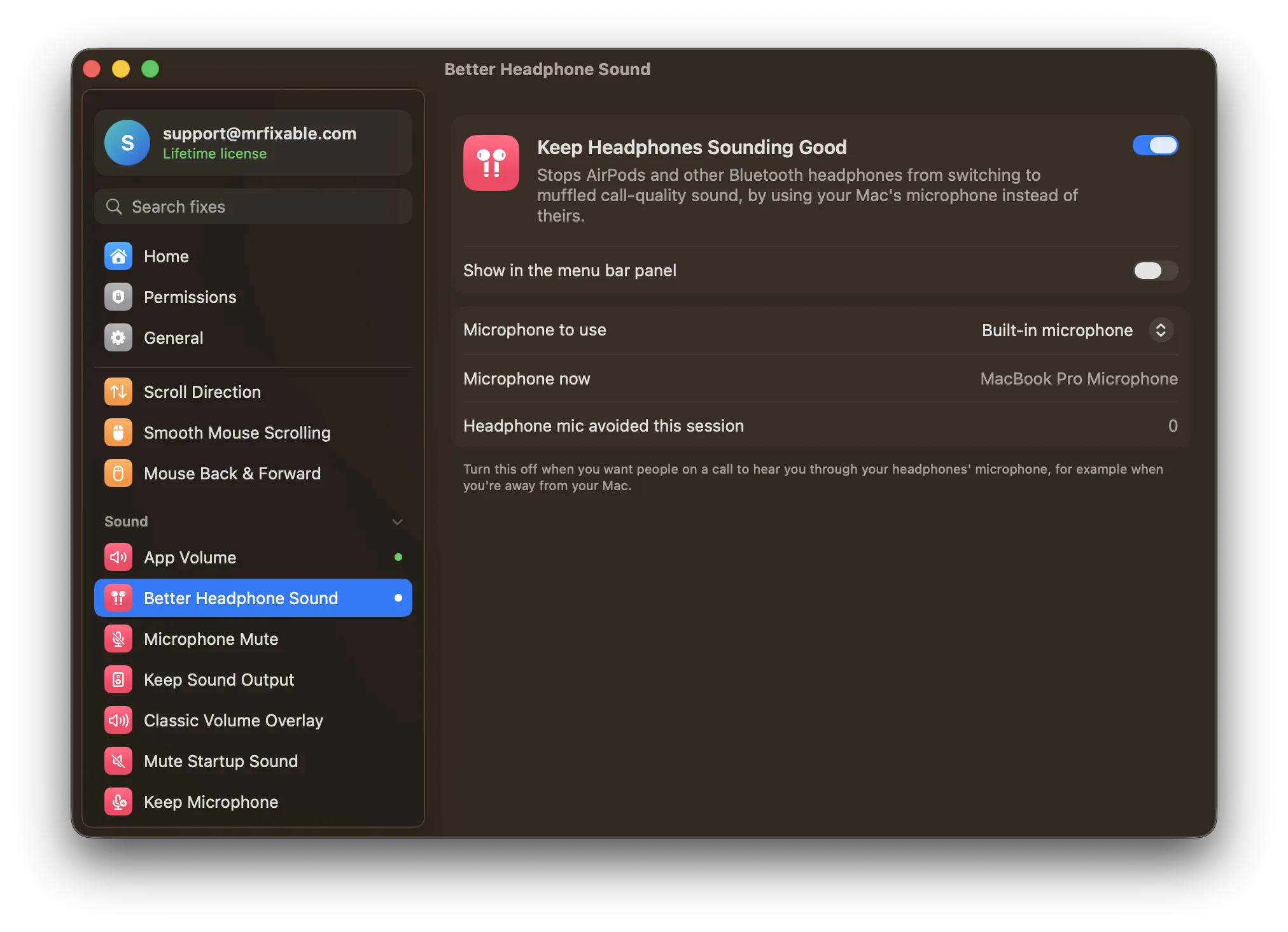
Keep Headphones Sounding Good in MrFixable keeps your Mac's microphone as the input whenever Bluetooth headphones connect, so they stay in high-quality mode, call or no call.
Two related fixes:
- Microphone Mute Shortcut mutes your microphone in every app at once, with one shortcut and a clear sign on screen.
- Keep Sound Output stops macOS from moving your sound to a monitor or TV just because it was plugged in.