
SoundStop Music Opening by Itself
Stop the Mac Music app that keeps opening
If the Mac Music app keeps opening when you press the play key or connect AirPods, macOS has no setting to stop it. Keeping your own music app open helps, because the play key then goes to it. Stop Music Opening by Itself closes Music the moment it opens on its own, and can open Spotify instead.
Try free for 14 daysBuy for $19.99 Lifetime license
One of 68 fixes in MrFixable. Lifetime license, no subscription. Updated October 21, 2026. Works on macOS 14.2 Sonoma and later. Checked on macOS 26 Tahoe.
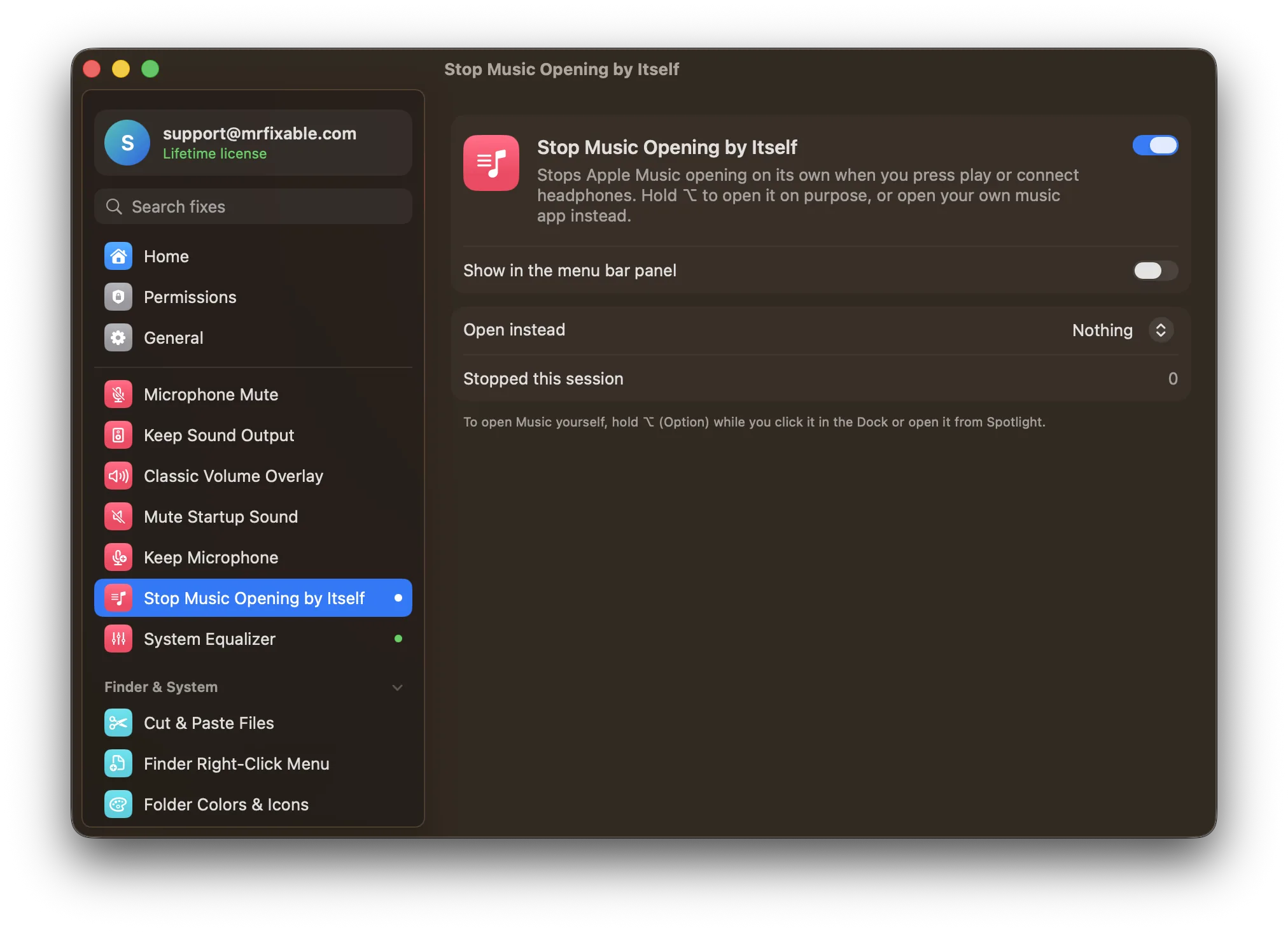
What Stop Music Opening by Itself does
The problem
Press the play key with nothing playing, connect your AirPods or plug in your iPhone, and macOS opens Apple Music, even if you never use it. macOS has no setting to choose which app the play key opens, or to stop Music opening.
With Stop Music Opening by Itself
When Music opens on its own, MrFixable closes it right away. If you like, your own music app opens instead.
- Music stays closedPress play, connect headphones or plug in your iPhone, and Music closes the moment it opens. A short notice tells you it was stopped.
- Open your own app insteadChoose Spotify, TIDAL, Deezer, Amazon Music or Podcasts, whichever you have installed, and it opens in Music's place.
- Music when you want itHold ⌥ (Option) while you click Music in the Dock or open it from Spotlight, and it opens normally.
Good to know
Music is closed whenever it opens without ⌥ held, even when you open it yourself. Hold ⌥ and it stays open.
It doesn't change the play key or remove Music. Switch it off and Music opens as before.
Questions
How do I keep Apple Music from opening automatically?
macOS has no setting for it, so use MrFixable: 1. Click the MrFixable icon in the menu bar. 2. Switch on Stop Music Opening by Itself. 3. Press play or connect AirPods to test it: Music closes the moment it opens, and a notice says it was stopped. Hold ⌥ when you want Music.How do I make Apple Music not open automatically?
1. Keep your own music app, such as Spotify, open, so the play key goes to it. 2. For the times nothing is open, switch on Stop Music Opening by Itself in MrFixable. 3. In its settings, choose Spotify under Open instead, so your own app opens whenever Music would have.How do I prevent Apple Music from opening automatically?
1. Click the MrFixable icon in the menu bar and switch on Stop Music Opening by Itself. 2. Open its settings. 3. Under Open instead, choose Nothing to just keep Music closed, or pick Spotify, TIDAL, Deezer, Amazon Music or Podcasts. Music stays installed, and you can still open it with ⌥ held.How do I stop Apple Music opening automatically on Mac?
Turn on Stop Music Opening by Itself: 1. Click the MrFixable icon in the menu bar. 2. Switch on the fix. 3. To open Music on purpose later, hold ⌥ (Option) while you click it in the Dock or open it from Spotlight. Without ⌥, Music is closed every time it opens.Why does Apple Music open when I connect AirPods?
When AirPods or other Bluetooth headphones connect, or you press the play key, macOS sends play to a music app. If none is open, it opens Apple Music. Stop Music Opening by Itself closes Music the moment that happens, or opens the music app you chose instead.Does it delete Apple Music or change the play key?
No. Music stays installed, and the play key works as before in any music app that's open. The fix only closes Music when it opens without ⌥ held. Switch the fix off, or quit MrFixable, and Music opens the way it used to, including when you press play.