
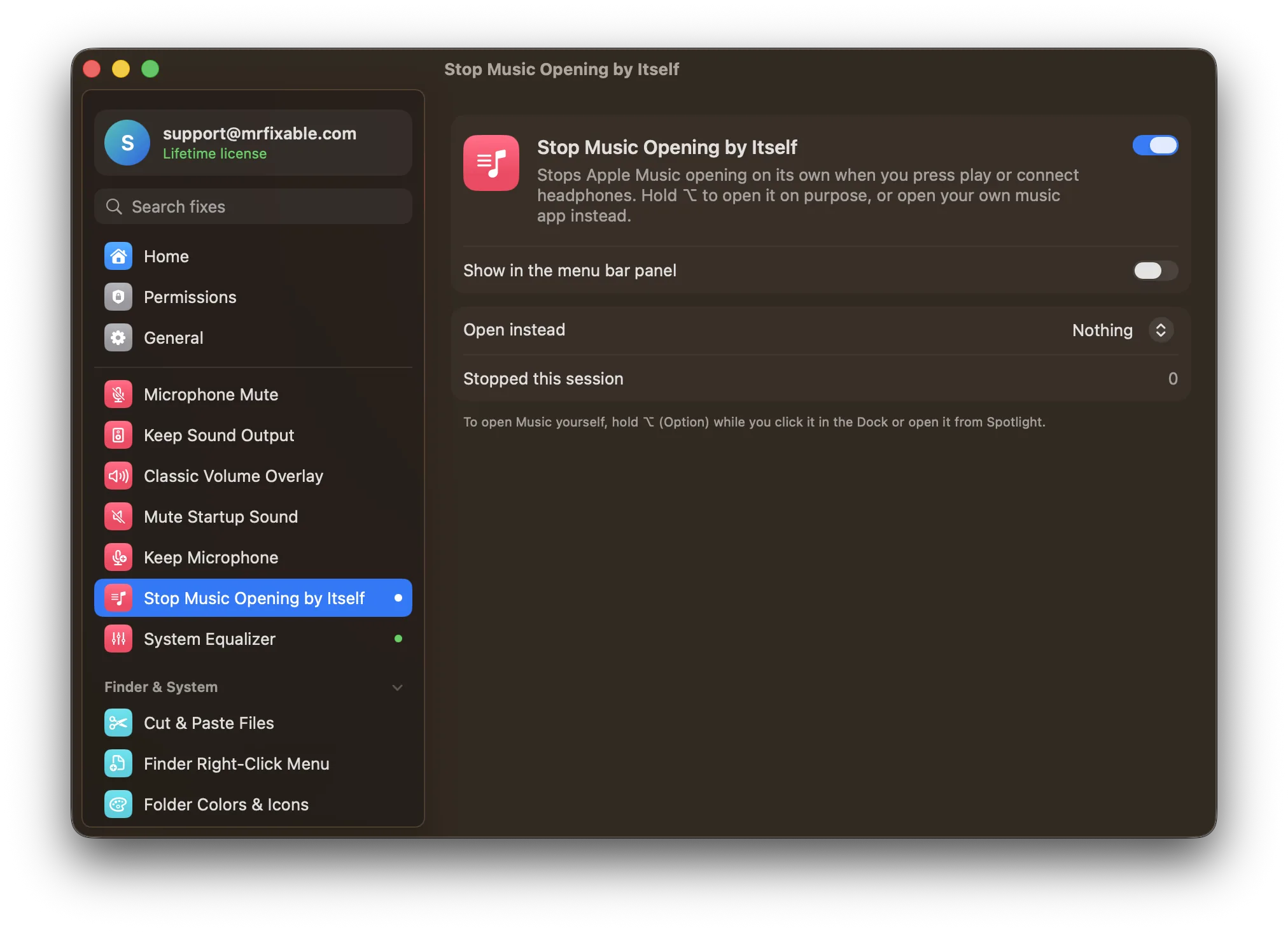
macOS has no setting to stop Apple Music opening automatically. It opens when you press play or connect AirPods with no music app open, because play then goes to Music. Keeping your own music app open helps. To keep Music closed every time, you need an app such as Stop Music Opening by Itself.
You use Spotify, but Apple Music keeps opening. It happens when you:
- press the ▶︎❙❙ key on your keyboard while nothing is playing,
- connect AirPods or other Bluetooth headphones, which send a "play" command,
- press play on headphones or a remote.
macOS sends "play" to the last app that played music. If no music app is open, it opens Apple Music.
Is there a setting to stop Apple Music opening?
No. macOS has no option to choose which app the play key opens, or to stop Music opening.
Older guides suggest a Terminal command that turns off the service behind the play key, com.apple.rcd. On current macOS versions, System Integrity Protection blocks it, and when it did work, it turned off the media keys entirely.
What helps a little:
- Keep your music app open, so "play" goes to it instead.
- Don't open Music at all for a while. macOS remembers the last app that played, so after you use Spotify for a bit, play usually goes there.
Questions
Why does Apple Music open when I connect Bluetooth headphones?
AirPods and many other Bluetooth headphones send a "play" command when they connect. If no music app is open to receive it, macOS opens Apple Music.
How do I make the play key open Spotify instead?
macOS has no setting for it. Play goes to the last app that played music, so open Spotify and play something, and the play key goes to Spotify while it's open.
Stop Music from opening
Stop Music Opening by Itself in MrFixable closes Apple Music the moment it opens on its own:
- Press play with nothing playing, or connect your headphones: Music doesn't open.
- Open your own music app instead, if you like, such as Spotify, TIDAL or Deezer.
- Want Music on purpose? Hold ⌥ (Option) while you click it in the Dock or open it from Spotlight, and it opens normally.
When the sound goes to the wrong place
If connecting a monitor or TV moves your sound there, Keep Sound Output keeps it on the speakers or headphones you chose.