
Windows & DockDim Background Windows
Highlight the active window on Mac
macOS can't highlight the active window on a Mac beyond small cues, like the colored buttons in its corner, and has no setting to dim the others. Dim Background Windows darkens everything behind the window you're working in, from 10% to 70%, so it stands out. Dimmed windows still take clicks, and the dimming follows you.
Try free for 14 daysBuy for $19.99 Lifetime license
One of 68 fixes in MrFixable. Lifetime license, no subscription. Updated October 22, 2026. Works on macOS 14.2 Sonoma and later. Checked on macOS 26 Tahoe.
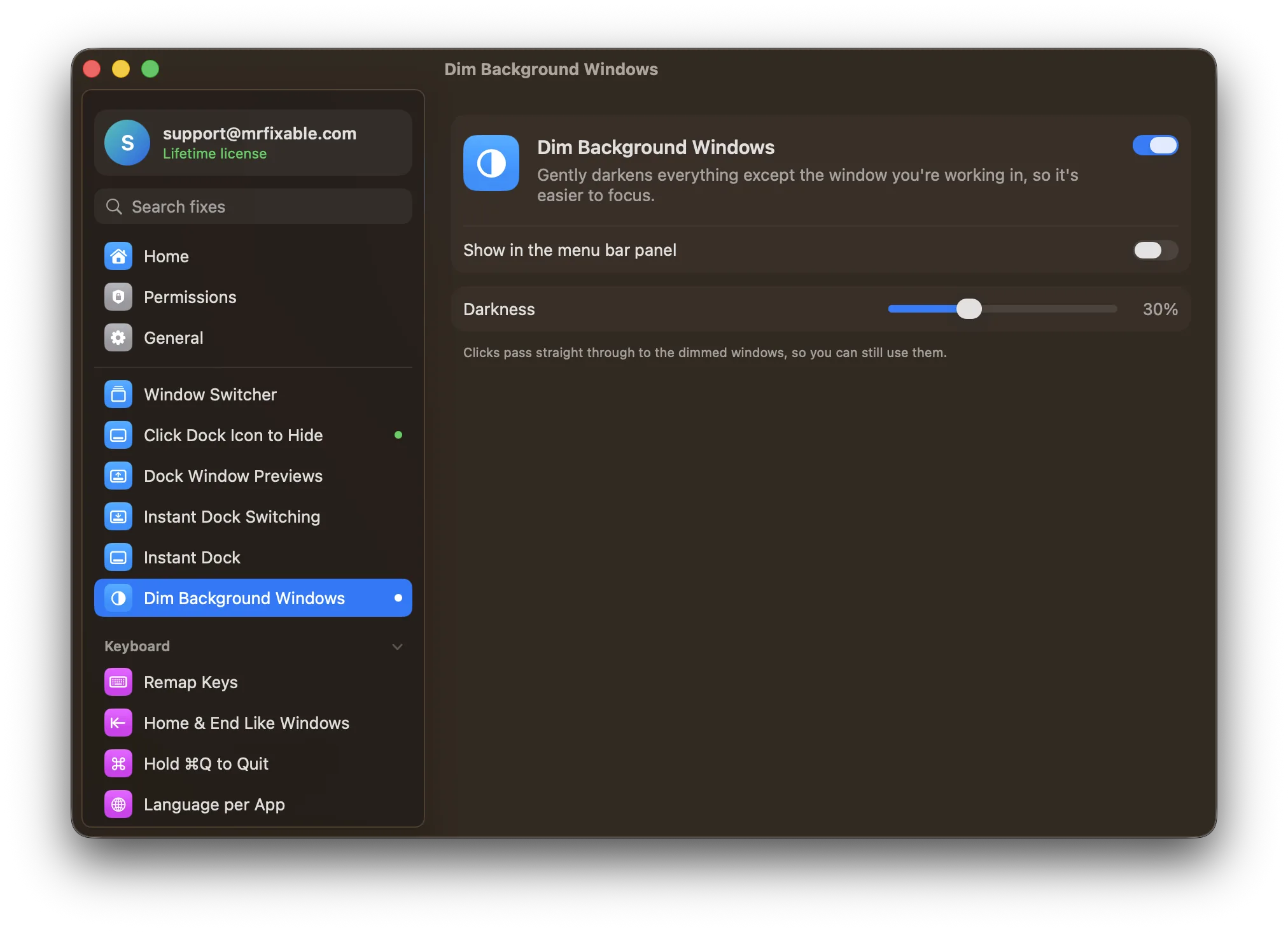
What Dim Background Windows does
The problem
With a dozen windows open, the one you're working in is hard to pick out, and everything around it competes for your attention. macOS only greys out the window buttons of the windows you're not using, a small difference that's easy to miss.
With Dim Background Windows
Everything behind the window you're working in is gently darkened, so your eyes go straight to it. Switch to another window and the dimming follows.
- Choose how darkSet the darkness anywhere from 10% to 70%. It starts at 30%.
- Clicks go straight throughDimmed windows still work. Click one and it comes forward, and the dimming moves behind it.
- Every displayDimming covers every screen, including an external monitor. When the app in front has no window open, the dimming fades away.
Good to know
Needs Accessibility access, which macOS requires for an app to notice when you switch to another window.
Only the front window of the app you're using stays bright, so its other windows are dimmed too.
Switch it off and the dimming is gone right away.
Questions
How do I highlight the active window on a Mac?
Turn on Dim Background Windows in MrFixable and allow Accessibility when macOS asks. Everything behind the window you're using is darkened, so it stands out. Move the Darkness slider in the fix's settings anywhere from 10% to 70%. It starts at 30%. Switch to another window and the dimming moves behind it.Can macOS dim inactive windows by itself?
No. macOS has no setting to dim inactive windows. It only greys out the three buttons in the corner of the windows you're not using. Dim Background Windows adds real dimming: everything except the window you're working in is darkened by the amount you choose, on every connected display.How can I tell which window is active on a Mac?
Look at the three buttons in the top-left corner of each window. The active window shows them in red, yellow and green, while the others are grey. The active app's name also appears in bold next to the Apple menu. For something easier to spot, Dim Background Windows darkens every other window.Why does my active window suddenly become inactive on a Mac?
Usually another app took focus. A window that opens by itself, like an update notice or a sign-in prompt, becomes the active one and your typing goes there. Dim Background Windows makes this easy to see, because the dimming jumps to the new window. To stop it happening, MrFixable also has Stop Focus Stealing.Can I still use the dimmed windows?
Yes. The dimming ignores the mouse, so clicks pass straight through to the windows behind it. Click a dimmed window and it comes forward and becomes the bright one, while the window you left is dimmed. You can also scroll, drag and switch between windows exactly as you normally would.Are the app's other windows dimmed too?
Yes. Only the front window of the app you're using stays bright, so its other windows are dimmed along with everything else. To bring one of them forward, click it or press ⌘` (Command-Grave accent) to cycle through the app's windows. The dimming then moves behind the window you picked.