
HazeOver alternative for Mac
By Mohammed Chaara. Updated October 21, 2026. Facts about HazeOver come from its own website or App Store page, listed at the end.
What HazeOver is
HazeOver, made by Maxim Ananov, highlights the active window by dimming background windows. You can set the dimming intensity and animation speed, toggle it with a keyboard shortcut, change the intensity with a gesture, keep separate settings for Light and Dark appearance, and press Fn to pause dimming while you drag between apps. It works with the Shortcuts app, Focus filters and AppleScript, and on several monitors it can show which screen is active or highlight a window on each one. It costs $4.99 on the Mac App Store, is also available through Setapp and as a free trial download from its website, and needs macOS Ventura 13 or later.
HazeOver vs MrFixable
| HazeOver | MrFixable | |
|---|---|---|
| Price | $4.99 on the Mac App Store, also included in Setapp | $19.99 once (lifetime license) for all 68 fixes, with a 14-day free trial |
| Free trial | A free trial download on hazeover.com | 14 days, with every fix |
| What it does | Dims background windows so the active window stands out | Darkens everything behind the front window of the app you're using |
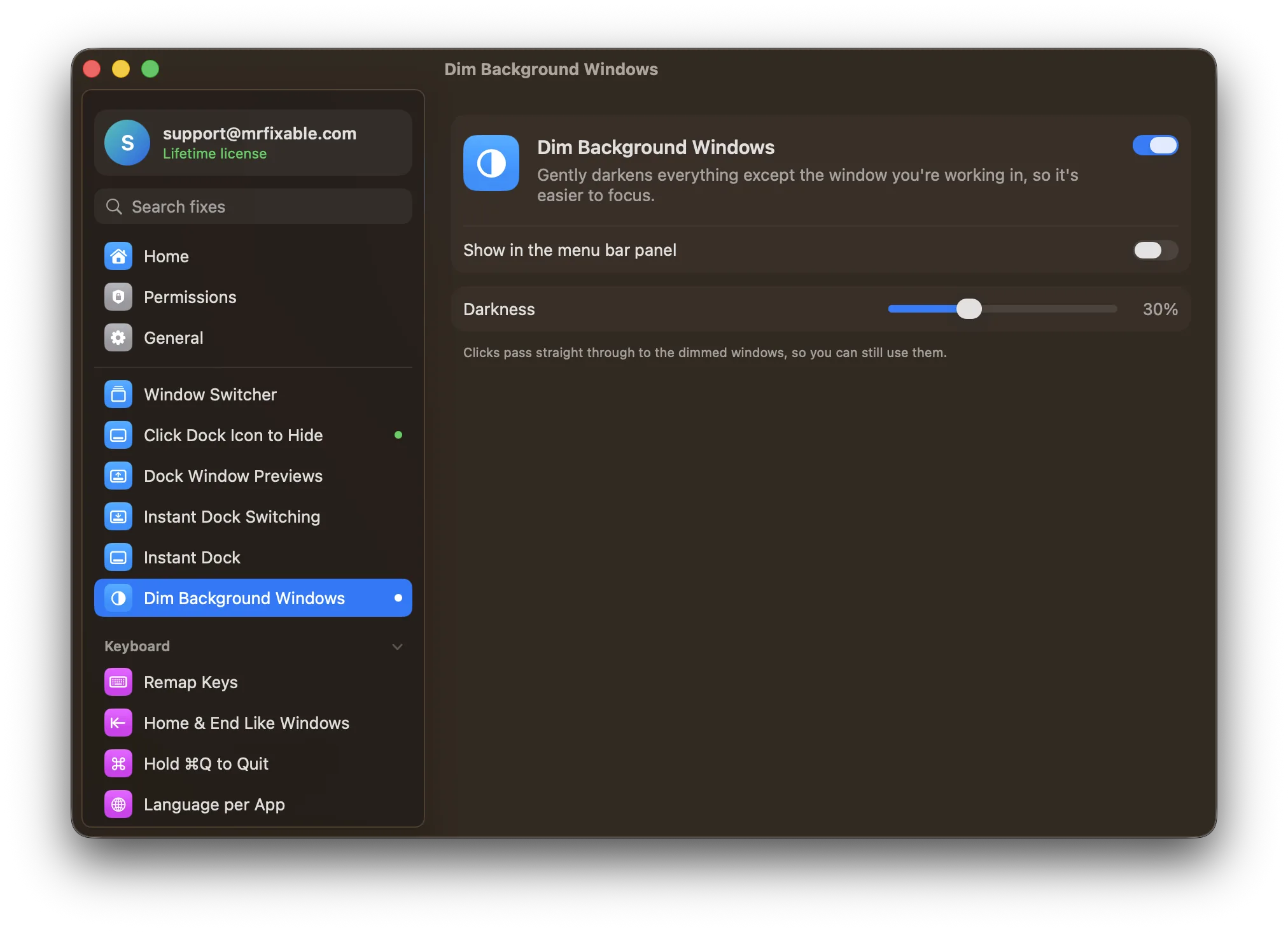
| Dimming settings | Intensity, animation speed, separate Light and Dark settings | Darkness from 10% to 70%, 30% to begin with |
| Turning it on and off | Keyboard shortcut, gesture, Fn to pause, Shortcuts, Focus filters and AppleScript | A switch in MrFixable's menu or settings |
| Several displays | Shows which screen is active, or highlights a window on each monitor | Dims every screen and keeps one window bright |
| macOS support | macOS Ventura 13 or later | macOS 14.2 Sonoma or later, tested on macOS 26 Tahoe |
| What else is included | Window dimming only | 67 other fixes in the same app |
Where each one is better
- It costs less if dimming is all you want: $4.99 against $19.99.
- More ways to control it: animation speed, separate Light and Dark settings, a toggle shortcut, a gesture, and the Fn key to pause dimming while you drag.
- It can be automated with the Shortcuts app, Focus filters and AppleScript.
- On several monitors it can keep a window bright on each screen. MrFixable keeps one window bright across all screens.
- It runs on macOS 13 Ventura, which MrFixable doesn't support.
- It comes with 67 other fixes, such as window snapping, clipboard history and per-app volume, for one $19.99 lifetime license.
- Nothing to learn: one switch and one darkness slider.
Switching from HazeOver
Quit HazeOver first, so two apps don't dim your windows at once, and if it opens at login, remove it in System Settings › General › Login Items & Extensions. Then turn on Dim Background Windows in MrFixable and allow Accessibility access when macOS asks. Set the darkness in its settings: it starts at 30%.
Questions
Can macOS dim inactive windows without an app?
No. macOS has no setting to dim inactive windows. It only greys out the window buttons of windows you're not using, which is easy to miss. HazeOver and MrFixable's Dim Background Windows both add real dimming, with a darkness you choose, and the dimming follows you when you switch windows.Does Dim Background Windows work with several displays?
Yes. It dims every screen, including an external monitor, and keeps only the front window of the app you're using bright. HazeOver can also keep a window bright on each monitor, which MrFixable doesn't do. If you want one bright window per screen, HazeOver is the better fit.Can I still click a dimmed window?
Yes. The dimming ignores the mouse, so clicks pass straight through to the windows behind it. Click a dimmed window and it comes forward, becomes the bright one, and the dimming moves behind it. When the app in front has no window open, the dimming fades away.Can I use HazeOver and MrFixable together?
Yes, but use only one of them for dimming. Both darken background windows, so running both stacks the dimming. Every MrFixable fix has its own switch, so you can leave Dim Background Windows off, keep HazeOver, and still use MrFixable's other fixes.