
Any Windows keyboard works on a Mac: plug it in and type. The Windows key acts as ⌘ Command and Alt as ⌥ Option, so they sit the other way round from a Mac keyboard. To fix that, open System Settings › Keyboard › Keyboard Shortcuts › Modifier Keys, choose the Windows keyboard, and swap Option and Command.
Mac shortcuts use the Command ⌘ key, which sits right next to the space bar on a Mac keyboard. On a Windows keyboard, that spot holds Alt, so your thumb keeps hitting the wrong key.
What does each Windows key do on a Mac?
| Windows key | On a Mac it's | Used for |
|---|---|---|
| Windows key ⊞ | Command ⌘ | Copy (⌘C), paste (⌘V), most shortcuts |
| Alt | Option ⌥ | Special characters, extra options |
| Ctrl | Control ⌃ | Right-click (Control-click), some shortcuts |
| Backspace | Delete | Delete the character before the cursor |
| Delete | Forward Delete | Delete the character after the cursor |
| Print Screen | ⇧⌘3, ⇧⌘4, ⇧⌘5 | Screenshots |
So on a Windows keyboard, copy is Windows key + C: it works, but it's in the wrong place for Mac habits.
How to swap Alt and the Windows key
macOS can change what the modifier keys do:
- Open System Settings › Keyboard, then click Keyboard Shortcuts… and choose Modifier Keys.
- If more than one keyboard is connected, choose your Windows keyboard from the menu at the top, so your MacBook's own keys stay as they are.
- Set Option key to ⌘ Command and Command key to ⌥ Option.
Now the key next to the space bar (Alt) acts as ⌘, just like on a Mac keyboard.
Prefer Ctrl-C and Ctrl-V like on Windows? Set Control key to ⌘ Command instead. Copy, paste, undo and save then use Ctrl, as on Windows. You lose Control for right-clicking with Control-click, which few people use on a PC keyboard with a mouse.
Why don't Home and End work like on Windows?
On a Mac, Home and End scroll to the top and bottom of the document instead of moving the cursor to the start and end of the line. The built-in way is ⌘← and ⌘→. Home & End Like Windows in MrFixable makes the keys work as you expect: Home and End jump along the line, ⌃ with them goes to the top or bottom, and ⇧ selects. There's more on this in Home and End keys on a Mac.
Questions
How do I disable Caps Lock on a Mac?
In System Settings › Keyboard › Keyboard Shortcuts › Modifier Keys, set Caps Lock key to No Action. If more than one keyboard is connected, choose the keyboard from the menu at the top first.
Can I change the keys on a MacBook keyboard?
Only the modifier keys, with the same Modifier Keys settings: choose the MacBook's keyboard from the menu at the top, then change Caps Lock, Control, Option, Command or Globe. Other keys, like § or `, have no setting in macOS.
More than Modifier Keys can do
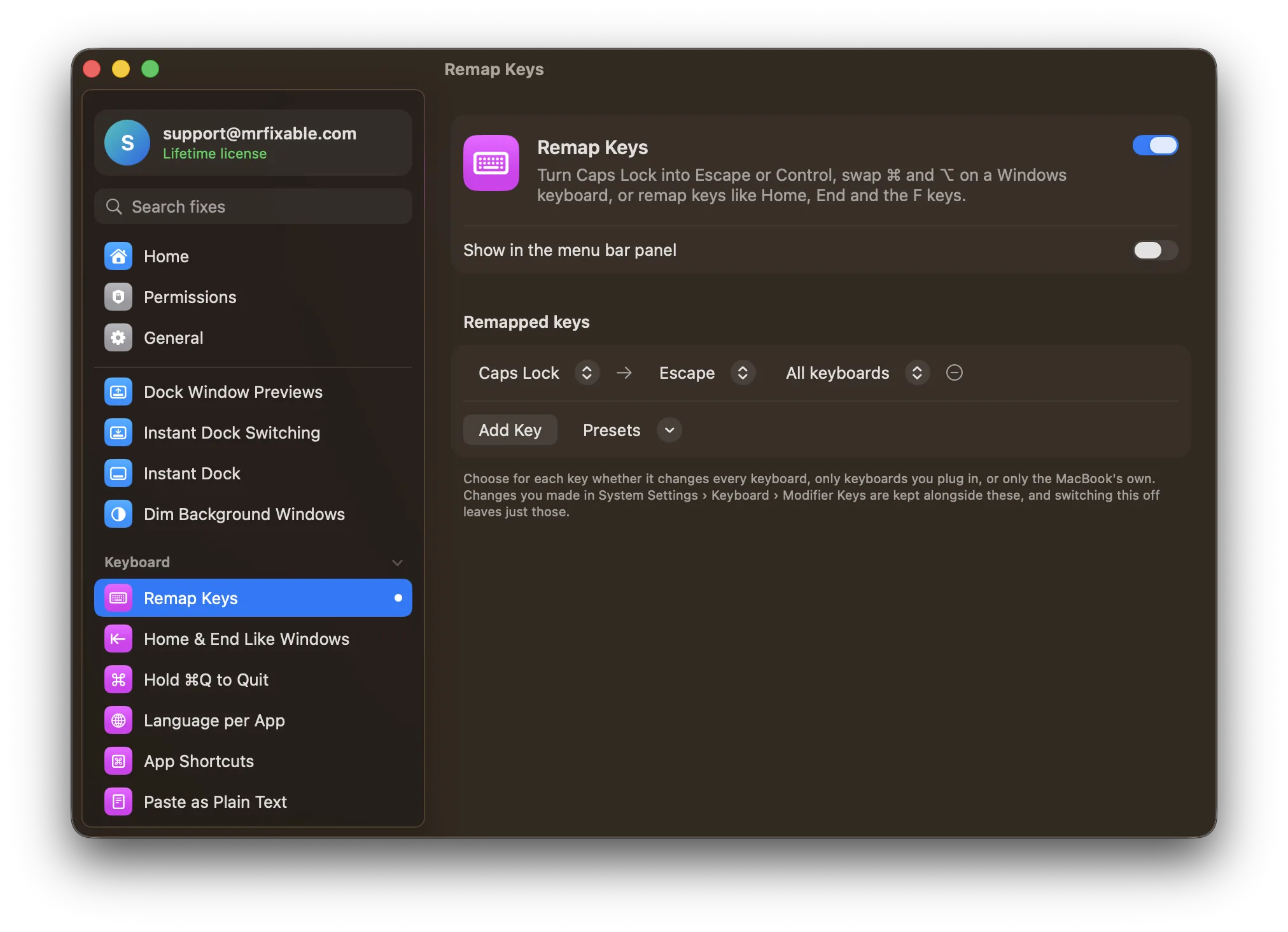
Remap Keys in MrFixable can swap ⌘ and ⌥ on plugged-in keyboards only, turn Caps Lock into Escape or Control, or remap other keys, like a misplaced ` key on some layouts.
And since Alt is ⌥ on a Mac, Alt-Tab on a Windows keyboard sends ⌥Tab: with Window Switcher that's exactly how you switch between windows, as on Windows.
Coming from Windows? See everything that works differently on a Mac.