
To open a RAR or 7z file on a Mac without installing anything, use the built-in tar command: in Terminal, type tar -xf , drag the archive into the window and press Return. The files appear in your home folder. Archive Utility can't read RAR files (on macOS 26 Tahoe it does open 7z), so double-clicking a RAR needs an app.
ZIP files open with a double-click on a Mac. RAR files, common for big downloads, game mods and files from Windows PCs, don't: Archive Utility, the Mac's built-in unzipper, doesn't know them. It opens 7z files on macOS 26 Tahoe.
Can a Mac open RAR files without an app?
Yes. Your Mac can actually read RAR and 7z files. Archive Utility doesn't use that ability for RAR, but the tar command in Terminal does:
- Open Terminal.
- Type
cd(with a space), drag the folder that holds the archive into the window, and press Return. - Type
tar -xf(with a space), drag the archive into the window, and press Return.
The files appear in that folder. If you skip step 2, they land in your home folder instead. The same command opens 7z, TAR, GZ, XZ and BZ2 archives, and RAR5, the newer RAR format. It can't open password-protected archives.
Free apps
The Unarchiver and Keka are free apps that open RAR, 7z and many other formats, including password-protected ones. They're a good choice if you open archives every day.
Questions
How do I open a password-protected RAR file on a Mac?
The tar command can't, so use an app such as The Unarchiver or Keka. They ask for the password when you open the archive.
Is there a free RAR extractor for Mac?
Yes. The tar command is part of macOS and costs nothing, and The Unarchiver is a free app. Both extract RAR and 7z files.
Double-click to extract
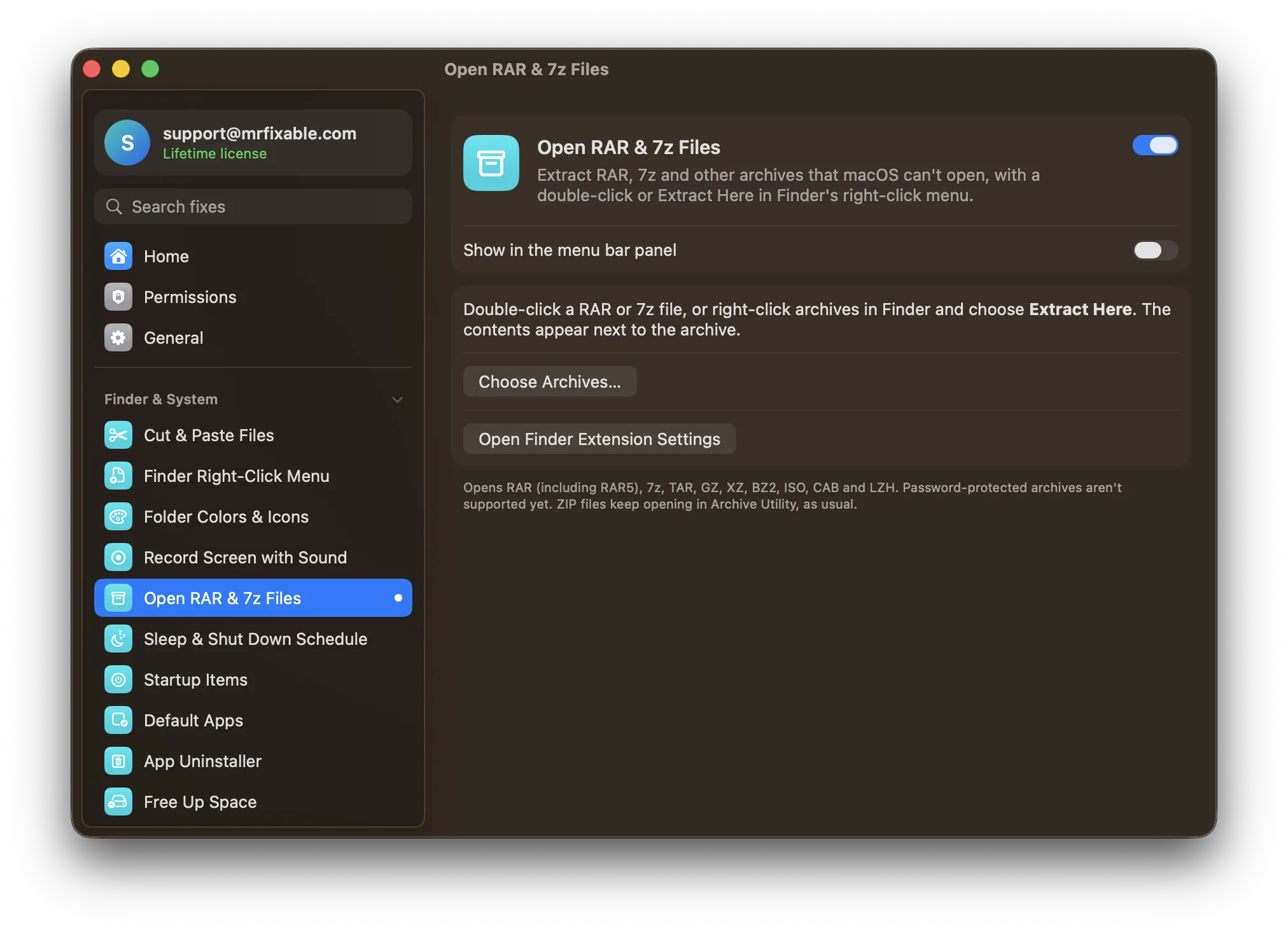
Open RAR & 7z Files in MrFixable uses the same built-in decoder as tar, without Terminal:
- Double-click a RAR file and it extracts right next to itself. On Tahoe, double-clicking a 7z file opens it in Archive Utility instead.
- Or right-click archives in Finder and choose Extract Here, for several at once.
- An archive holding a single folder gives you that folder. Anything else goes into a folder named after the archive, like Archive Utility does with ZIPs.
It opens RAR (including RAR5), 7z, TAR, GZ, XZ, BZ2, ISO, CAB and LZH. ZIP files keep opening in Archive Utility as usual. Password-protected archives aren't supported yet.
More for Finder
Finder Right-Click Menu adds New Text File, Copy Path and Open in Terminal to the same menu. See also how to create a new text file on a Mac.