
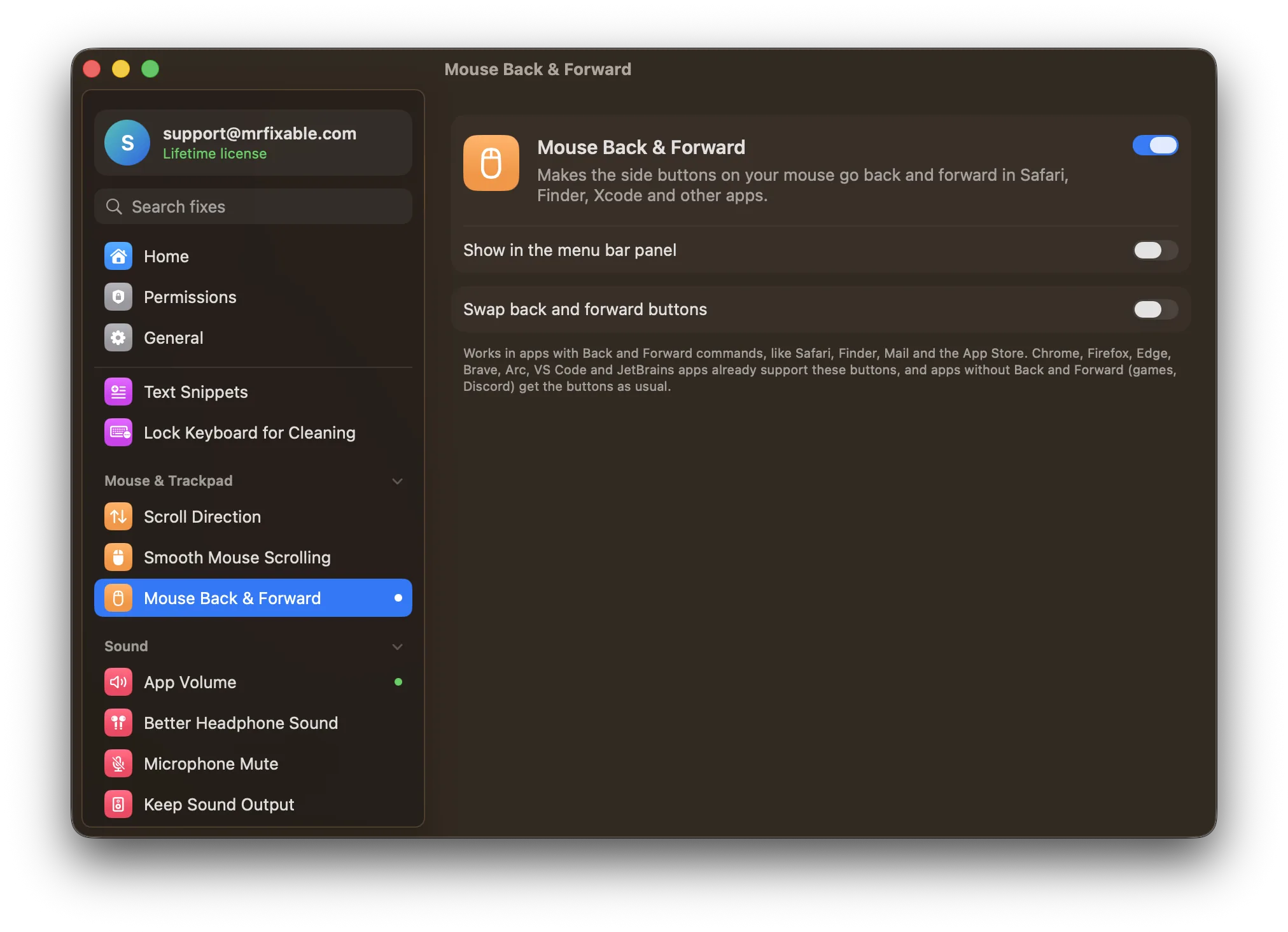
On a Mac, mouse back and forward buttons work only in apps that support them, such as Chrome, Firefox and VS Code. Safari, Finder, Mail and most Apple apps ignore them: their Back and Forward commands are on ⌘[ and ⌘]. Your mouse maker's software can set the buttons to those keys, or an app can make them work everywhere.
Most mice have two buttons on the side, under your thumb: back and forward. On Windows they work almost everywhere. On a Mac, they work in Chrome and then mysteriously do nothing in Safari, Finder, Mail or System Settings.
It isn't your mouse. macOS sees the clicks, but most Mac apps don't listen for them.
Which Mac apps support mouse side buttons?
Some apps handle the side buttons themselves, so they work out of the box: Chrome, Firefox, Edge, Brave, Arc, VS Code and JetBrains apps.
Apple's own apps, including Safari, Finder, Mail and the App Store, don't. They have Back and Forward commands, but only on the keyboard: ⌘[ for back and ⌘] for forward.
The workaround: your mouse's own software
If your mouse comes with its own app, such as Logitech Options+ or Logi G HUB, you can set the side buttons to press ⌘[ and ⌘] instead of sending a button click. That makes them go back and forward in Safari and Finder.
The catch: in apps that already understood the buttons, ⌘[ may mean something else. In many code editors it outdents a line, so your back button starts moving text around. And it only works with mice whose maker offers software.
Questions
Why are my mouse side buttons not working at all?
Try them in Chrome or Firefox first, which support them on their own. If they work there, the mouse is fine and the app you were in ignores them. If they don't work anywhere, check whether your mouse maker's software has set the buttons to something else.
Does the Magic Mouse have a back button?
No. Apple's Magic Mouse has no side buttons. Instead, swipe left or right with one finger to go back and forward in Safari and Finder, if Swipe between pages is on in System Settings › Mouse › More Gestures.
Back and forward everywhere
Mouse Back & Forward in MrFixable makes the side buttons work in every app that has Back and Forward commands, like Safari, Finder, Mail and the App Store, with any mouse. Apps that already support the buttons are left alone, so nothing happens twice. If your mouse has them the other way round, there's an option to swap them.
Two more things that feel wrong with a mouse
- The scroll wheel scrolls in jumps. Smooth Mouse Scrolling makes a regular wheel glide like a trackpad.
- Scrolling goes the wrong way, but you like it on the trackpad. Separate Scroll Direction keeps natural scrolling on the trackpad and classic scrolling on the mouse. Here's more on scroll direction.
Coming from Windows? See everything that works differently on a Mac.