
KeyboardKeyboard Language per App
Mac input method per app
To add an input method on a Mac, open System Settings › Keyboard, click Edit next to Input Sources, then click +. Switch with the input menu in the menu bar or ⌃Space. macOS uses one input method for every app, though. Keyboard Language per App remembers the language you last used in each app and switches to it automatically.
Try free for 14 daysBuy for $19.99 Lifetime license
One of 68 fixes in MrFixable. Lifetime license, no subscription. Updated October 22, 2026. Works on macOS 14.2 Sonoma and later. Checked on macOS 26 Tahoe.
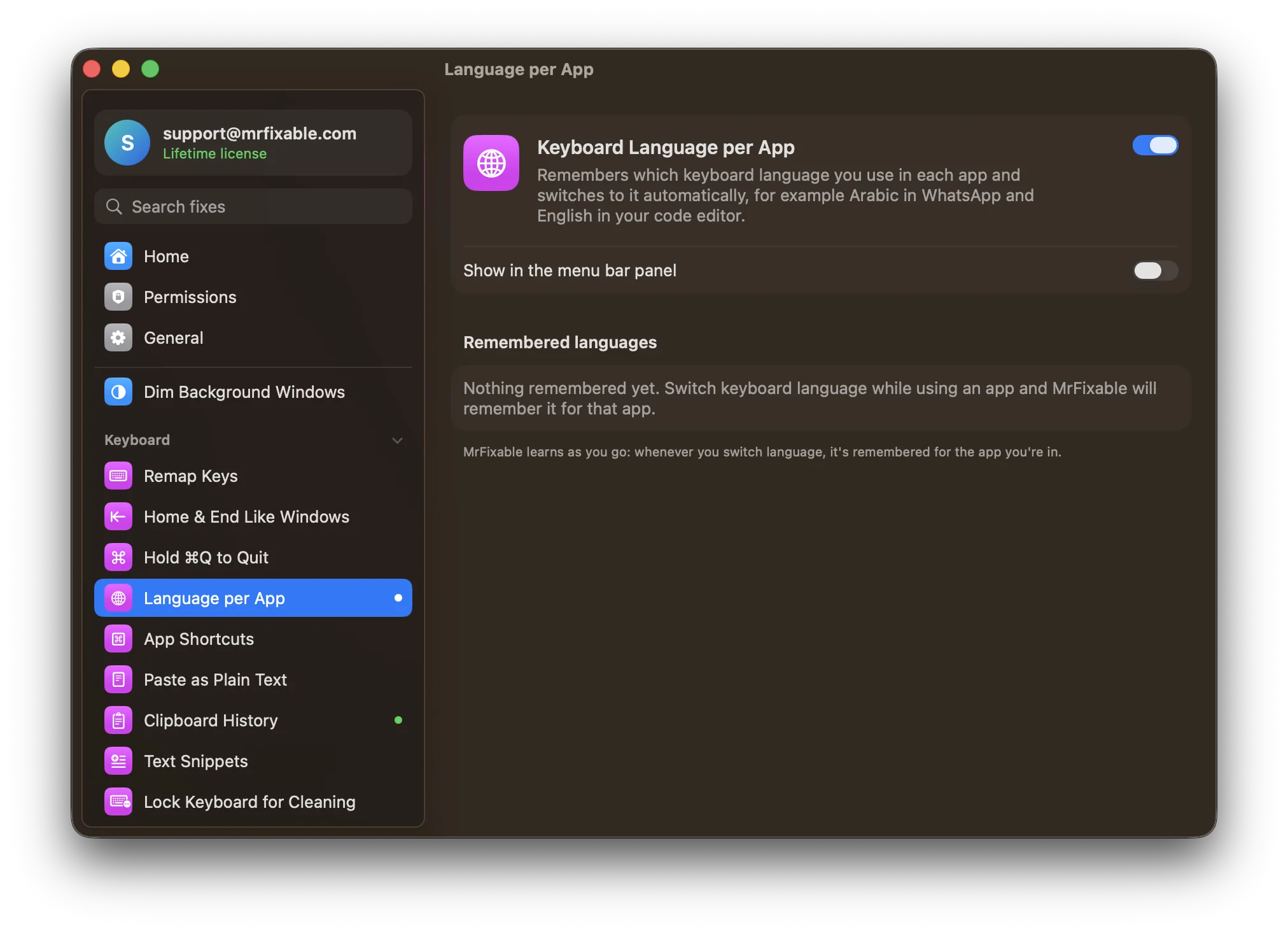
What Keyboard Language per App does
The problem
macOS uses one keyboard language for every app. Switch to Arabic to reply in WhatsApp, go back to your code editor, and you're still typing Arabic until you switch again.
With Keyboard Language per App
Each app keeps the language you last used in it, and MrFixable switches to it as soon as that app comes to the front. There's nothing to set up: it learns as you switch.
- Learns as you goSwitch language while you use an app and it's remembered for that app. An app you leave keeps the language it had.
- See what's rememberedA list shows each app with its icon and the language it uses.
- Forget any appRemove one app from the list, or click Forget All to start over.
Good to know
No special permission needed.
Works with the keyboard languages and layouts you've added in System Settings › Keyboard › Text Input.
Switch it off and macOS uses one language for all apps again. Your list is kept for next time.
Questions
How do I set the keyboard language on a Mac?
1. Open System Settings › Keyboard. 2. Under Text Input, click Edit next to Input Sources. 3. Click +, search for the language, pick a layout and click Add. 4. Switch between languages from the input menu in the menu bar or with ⌃Space. Keyboard Language per App can then switch for you in each app.What's the keyboard shortcut to change language on a Mac?
Press ⌃Space to switch to the input source you used last, or ⌃⌥Space for the next one in the input menu. Change these in System Settings › Keyboard › Keyboard Shortcuts › Input Sources. On a keyboard with a 🌐 key, you can also set Press 🌐 key to Change Input Source in Keyboard settings.How do I change the input method for each app on a Mac?
Turn on Keyboard Language per App, then switch language once in each app as you normally would, with ⌃Space or the input menu. MrFixable remembers it for that app. From then on, each app switches to its own input method when it comes to the front. Nothing else needs setting up.Doesn't macOS switch input methods by itself?
Only per document. In System Settings › Keyboard, click Edit next to Input Sources and turn on Automatically switch to a document's input source. That follows each document or window, not each app. Keyboard Language per App remembers one language for each app and switches to it when that app comes to the front.Does it work with AZERTY, Arabic or other layouts?
Yes. Any keyboard language or layout you've added in System Settings › Keyboard › Text Input, like French AZERTY, Arabic or Spanish, can be remembered for an app. MrFixable uses the input sources macOS already has, so add a layout there first, then switch to it once in the app where you want it.