
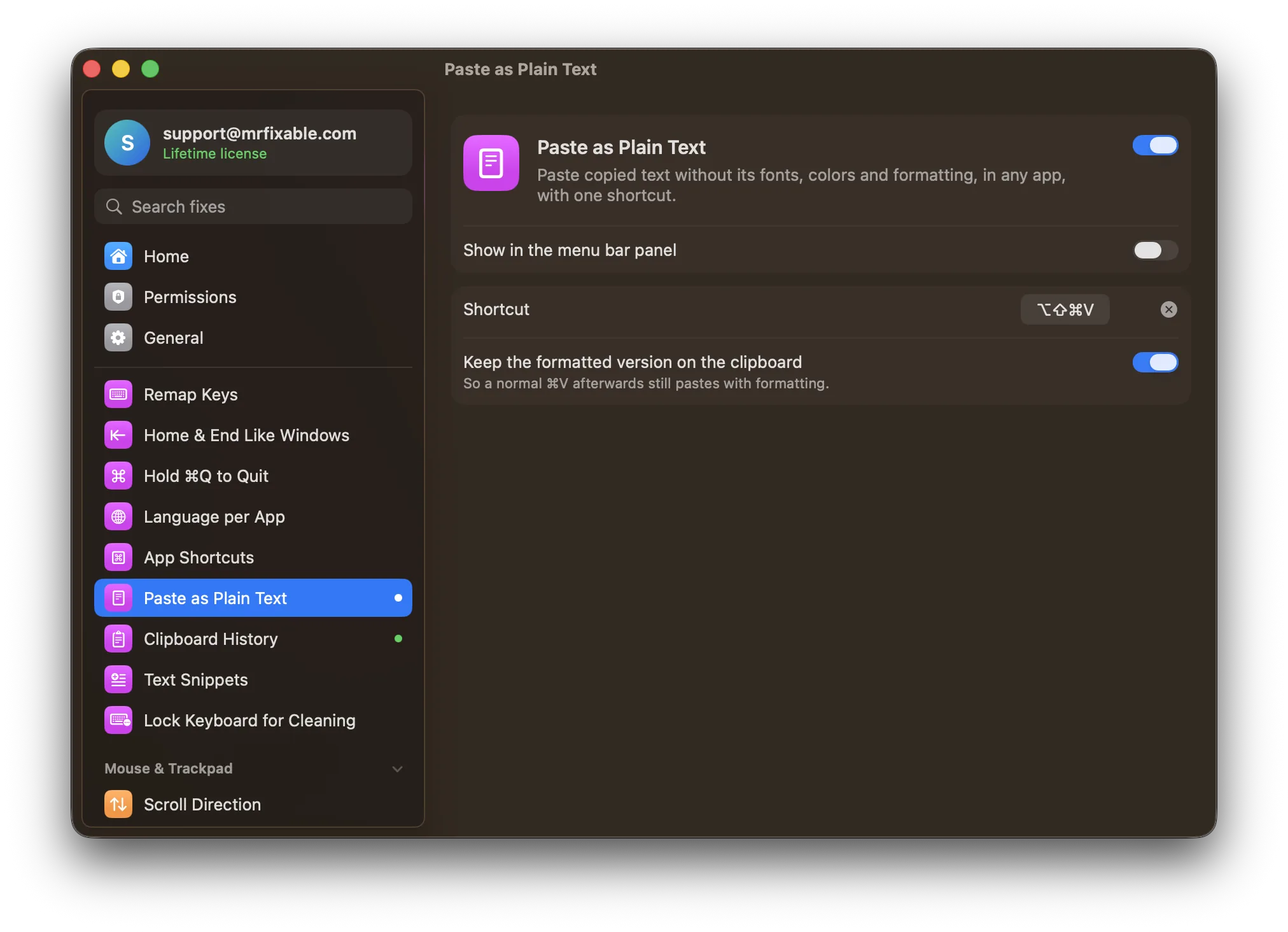
To paste without formatting on a Mac, press ⌥⇧⌘V or choose Edit › Paste and Match Style. That works in Mail, Notes, Pages, TextEdit and many other apps. In Google Docs, press ⌘⇧V. Where an app has neither, paste into a plain-text TextEdit document and copy again, or use one shortcut that works in every app.
You copy a sentence from a web page into an email, and it arrives in a different font, a different size, sometimes with a background color or a link. Now you have to clean it up.
Built in: Paste and Match Style
Many Mac apps have Paste and Match Style, which pastes the text in the style of what's around it:
- Shortcut: ⌥⇧⌘V (Option-Shift-Command-V)
- Or choose Edit › Paste and Match Style
It works in Apple's apps like Mail, Notes, Pages and TextEdit, and in many others.
Pasting without formatting in Word, Pages and Google Docs
- Pages: ⌥⇧⌘V, or Edit › Paste and Match Style.
- Google Docs: ⌘⇧V, or Edit › Paste without formatting.
- Microsoft Word: choose Edit › Paste Special, then Unformatted Text. Or paste as usual, click the Paste Options button that appears, and choose Keep Text Only.
Why can't I paste without formatting?
- Not every app has it, and some use a different shortcut.
- It's a three-modifier shortcut that's easy to fumble.
- It doesn't always remove links and other leftovers, depending on the app.
The old trick works everywhere but takes four steps: paste into a TextEdit document, choose Format › Make Plain Text, then copy the text again and paste it where you wanted it.
Questions
Can I change the paste without formatting shortcut?
Yes. In System Settings › Keyboard › Keyboard Shortcuts › App Shortcuts, click +, choose All Applications, type Paste and Match Style as the menu title, and record the shortcut you want. It works in every app whose Edit menu has a command with exactly that name.
Does ⌘⇧V paste without formatting on a Mac?
Only in some apps, such as Google Docs. The standard Mac shortcut is ⌥⇧⌘V, so in most apps ⌘⇧V does something else or nothing at all.
One shortcut that works in every app
Paste as Plain Text in MrFixable pastes just the text, with no fonts, colors or links, in any app, with one shortcut you choose. It's ⌥⇧⌘V by default, and your formatted copy stays on the clipboard for a normal ⌘V.
And if you need something you copied a few minutes ago, Clipboard History brings back everything you copied recently with ⌘⇧V.