
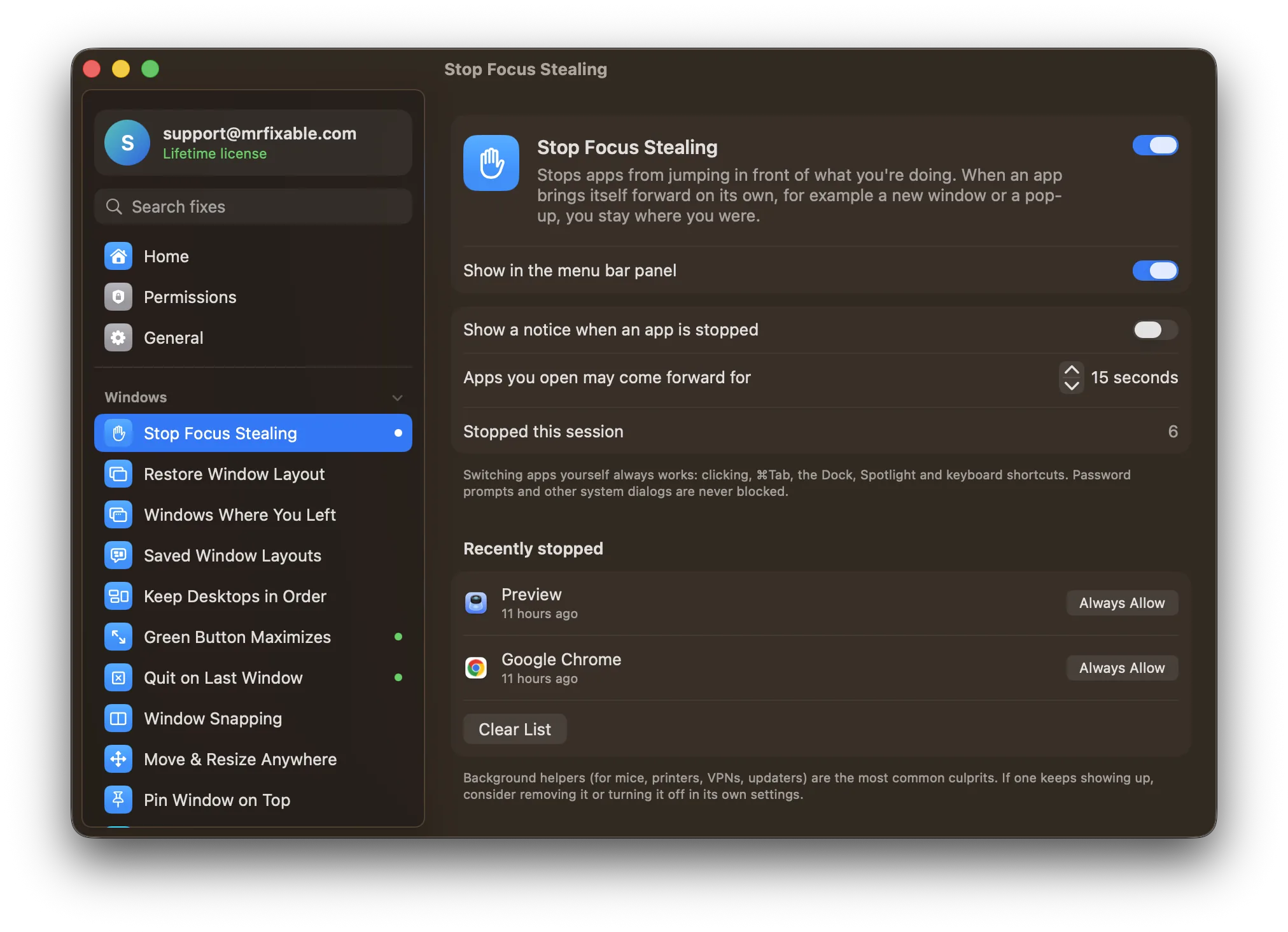
macOS has no setting to stop apps from stealing focus. You can cut down on it by removing login items you don't need, in System Settings › General › Login Items & Extensions, and turning off update pop-ups in the apps that interrupt you. To stop it for good, you need an app that sends you back.
You're halfway through a sentence in an email. An app finishes loading in the background, jumps to the front, and the rest of your sentence goes into its search box. Or worse, you press Return and confirm a dialog you never read. This is called focus stealing.
Why do apps steal focus on a Mac?
Any app on macOS can ask to become the active app at any time. Apple's guidelines say apps shouldn't do it unless you asked, but nothing enforces that. The usual culprits:
- Apps that take a while to launch. You open one, switch to something else while it loads, and it grabs the front when it's finally ready.
- Apps that open at login. Chat apps, cloud storage and updaters all finish starting at different moments in your first minutes of work.
- Update and alert windows that put themselves in front instead of waiting.
- Browsers and editors that bring themselves forward when another app opens a link or a file in them.
Can you stop focus stealing with macOS settings?
There's no built-in switch, but you can cut down the worst offenders:
- Trim your login items. Open System Settings › General › Login Items & Extensions (Login Items on macOS 14) and remove apps you don't need the moment you log in. Fewer apps starting means fewer interruptions in your first minutes.
- Turn off auto-updaters' pop-ups. Many apps have a setting to update quietly or to check less often.
- Wait for slow apps to finish opening before you start typing elsewhere. Annoying, but it works.
None of these stop an app that simply decides to come forward.
Questions
How do I find out which app is stealing focus?
Look at the menu bar right after it happens: the name next to the Apple menu is the app that's now in front. Background helpers for mice, printers or VPNs are common culprits and are easy to miss. Stop Focus Stealing keeps a list of every app it stopped, helpers included.
Does macOS have focus follows mouse?
Not for apps in general: there's no setting that makes the window under the pointer active. It's also a different problem from focus stealing, which is an app making itself active without you asking.
Stopping it for good
Stop Focus Stealing in MrFixable watches for apps that put themselves in front, and sends you straight back to what you were doing. It knows the difference between an app you opened yourself and one that's barging in:
- You clicked it, used ⌘Tab, or chose it from the Dock? It comes forward as normal.
- You opened an app that takes a few seconds to load, and you're still waiting for it? It's allowed to come forward when it's ready.
- You opened it, then switched to something else while it loaded? It stays in the background, and you can switch to it when you're ready.
- It just decided to jump in front? Blocked, and your typing stays where it was.
It works on every screen, with any app, and needs only the Accessibility permission macOS asks for when you switch it on.