
To cut and paste files on a Mac, select them in Finder and press ⌘C, then open the folder you want them in and press ⌥⌘V. Finder moves them instead of copying them. ⌘X doesn't work on files, so cutting and pasting the Windows way needs an extra tool.
On Windows you select a file, press Ctrl-X, go to another folder and press Ctrl-V to move it. Try ⌘X on a file in Finder and nothing happens: the Cut command stays grayed out.
The built-in way: copy, then "Move Item Here"
macOS can move files with the keyboard, it just splits the job differently:
- Select the files and press ⌘C (Copy).
- Go to the folder you want them in.
- Press ⌥⌘V (Option-Command-V). Finder moves the files instead of copying them.
You can also open the Edit menu after copying and hold Option: "Paste Item" turns into "Move Item Here".
Dragging works too: dragging between folders on the same drive moves files, and holding ⌘ while dragging to another drive moves instead of copying.
Why is Cut grayed out for files in Finder?
Finder offers Cut only for text, such as a file name you're editing. For files, it uses Copy and then Move Item Here instead. That trips people up:
- Nothing tells you about ⌥⌘V. The Edit menu only shows it while Option is held.
- Your hands already know ⌘X from every text field on the Mac, and from years of Windows.
- If you copy, then forget to hold Option, you end up with duplicates to clean up.
Questions
How do I cut and paste text on a Mac?
Select the text and press ⌘X to cut it, then click where you want it and press ⌘V. You can also use Edit › Cut and Edit › Paste, or right-click the selection. This works in every app, including when you rename a file in Finder.
Can you cut and paste folders on a Mac?
Yes, the same way as files: select the folders, press ⌘C, then ⌥⌘V in the new place. Everything inside each folder moves with it.
Is it different on a MacBook Air or MacBook Pro?
No. The shortcuts are the same on every Mac. ⌘ is the Command key, on either side of the space bar, and ⌥ is the Option key next to it.
What if I pressed ⌘V instead of ⌥⌘V?
Finder made copies and left the originals where they were. Press ⌘Z right away to undo the copy, then press ⌥⌘V instead.
Making ⌘X work on files
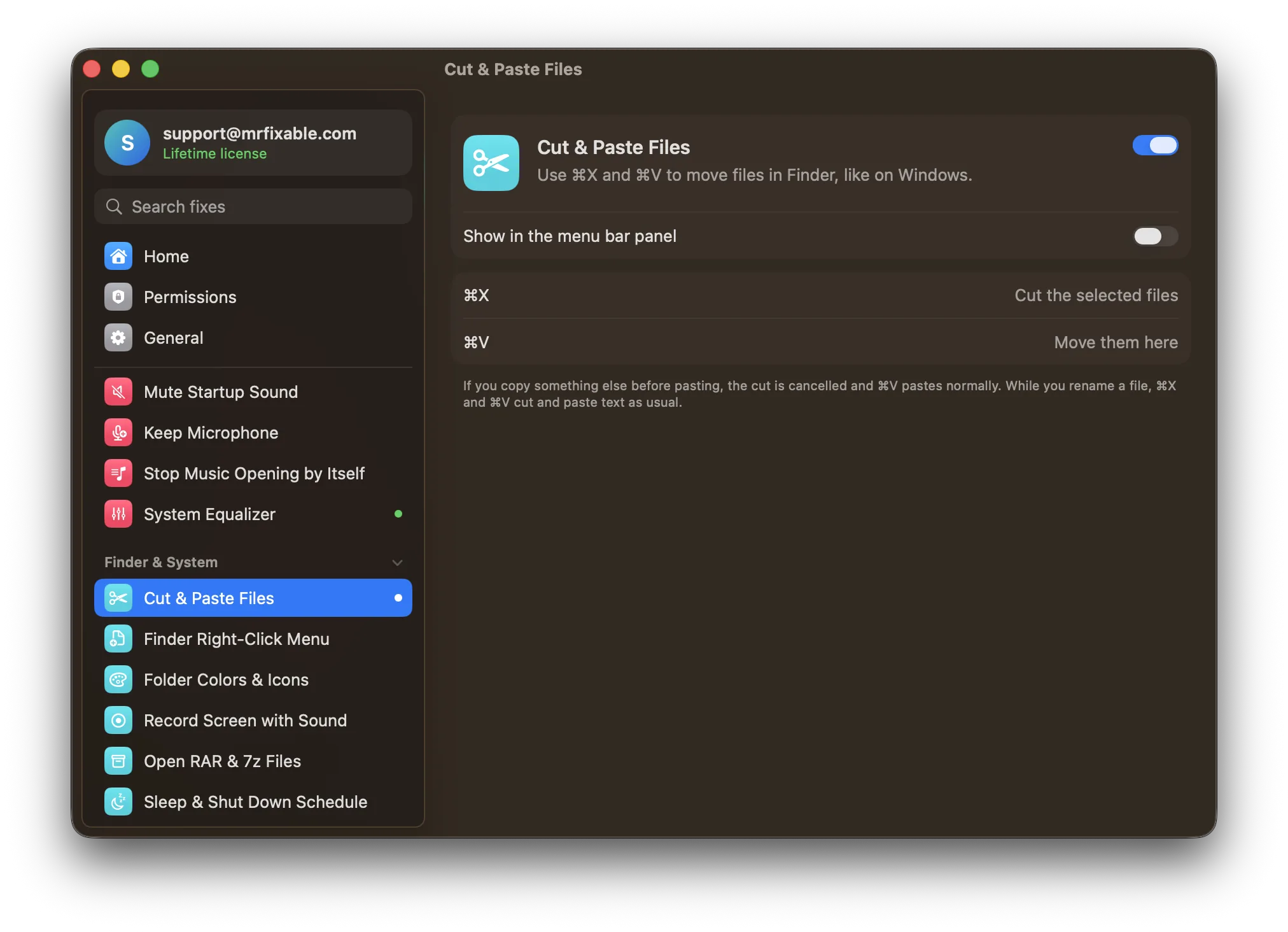
Cut & Paste Files in MrFixable makes Finder behave the way your hands expect: select files, press ⌘X, go to another folder, press ⌘V, and they move. Text fields keep their normal cut and paste.