
CleanMyMac alternative for Mac
By Mohammed Chaara. Updated October 21, 2026. Facts about CleanMyMac come from its own website or App Store page, listed at the end.
What CleanMyMac is
CleanMyMac, from MacPaw, bundles many tools in one app: cleanup of system junk such as caches, broken downloads, logs and old email attachments (more than 20 kinds in all), a malware scan, performance tools for background apps and launch items, an uninstaller that clears leftover data, a software updater, a finder for duplicates, similar photos and large files, Space Lens, an interactive map of your drive, and cloud storage cleanup. Its website says plans start at $3.33 a month and offers a 7-day free trial. On the Mac App Store it costs $39.99 a year or $9.99 a month, and a CleanMyMac X one-time purchase is listed at $89.99. It needs macOS 11 or later and is notarized by Apple.
CleanMyMac vs MrFixable
| CleanMyMac | MrFixable | |
|---|---|---|
| Price | Subscription from $3.33 a month (website); $39.99 a year or $9.99 a month on the Mac App Store | $19.99 once (Lifetime license) for all 68 fixes |
| Free trial | 7 days | 14 days |
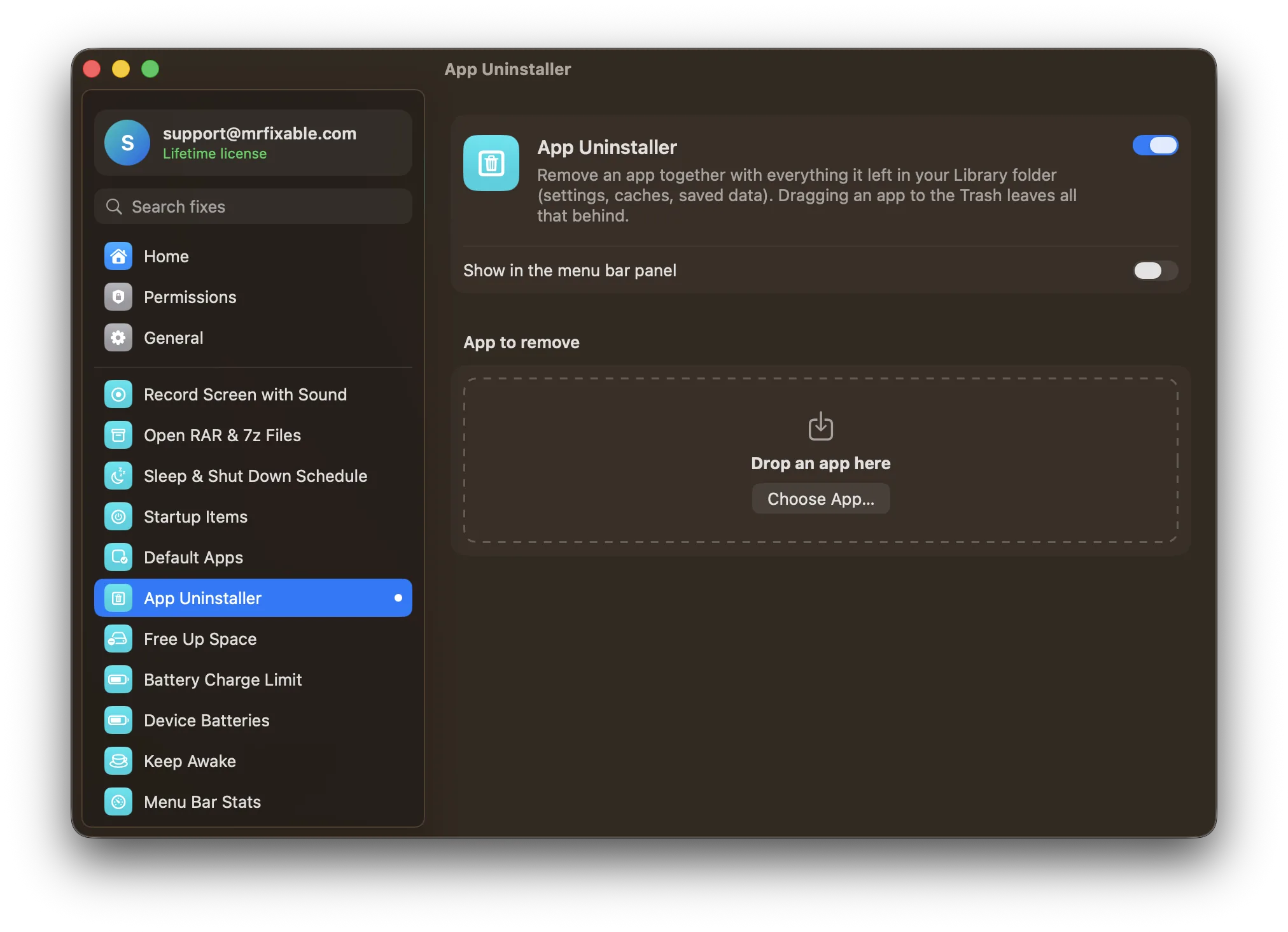
| Uninstalling apps | Removes apps with their leftover data | App Uninstaller lists each leftover in ~/Library with its size, and moves everything to the Trash |
| Cleaning | System junk, caches, broken downloads, logs, email attachments and more, over 20 kinds | App caches, Xcode build files, old iPhone and Watch debug files, npm and Gradle caches, iOS simulators, Downloads older than 30 days, the Trash |
| Malware scan | Yes | No |
| Disk map, duplicates and cloud | Space Lens, duplicate and similar photos, large files, cloud storage cleanup | No |
| Login and background items | Performance tools for background apps and launch items | The separate Startup Items fix |
| macOS | macOS 11 or later | macOS 14.2 Sonoma or later |
| Where to get it | MacPaw's website or the Mac App Store | mrfixable.com |
Where each one is better
- It cleans far more kinds of files, including logs, broken downloads and old email attachments.
- It scans for malware.
- It has Space Lens to map your drive, plus duplicate photo, large file and cloud storage cleanup.
- It can update your other apps.
- It's on the Mac App Store and runs on macOS 11 or later.
- It's $19.99 once, with no subscription, and that includes all 68 MrFixable fixes.
- Free Up Space shows exactly what it will remove and the size of each item. Only the safe things, like app caches and Xcode build files, start ticked.
- macOS's own caches and the caches of apps that are open are skipped, and the list is checked again just before cleaning.
- App Uninstaller moves apps and their leftovers to the Trash, so you can put them back until you empty it.
- Nothing runs in the background: both are pages you open when you need them.
Switching from CleanMyMac
In MrFixable, open Free Up Space, check the list and click Free Up Space. It shows how much you freed. Then use App Uninstaller for the next app you remove. To remove CleanMyMac itself, drop it on App Uninstaller, untick anything you're unsure about and click Move to Trash. If you subscribed through the Mac App Store, cancel the subscription in your App Store account settings.
Questions
How do I clear System Data on a Mac?
Open System Settings › General › Storage and follow its recommendations, like emptying the Trash. Then clear the caches that page doesn't list. Free Up Space shows app caches, Xcode build files and npm and Gradle caches, each with its size. It won't remove everything macOS counts as System Data, only the items on its list.Is CleanMyMac a one-time purchase?
Mostly no. MacPaw sells CleanMyMac as a subscription, from $3.33 a month on its website, and $39.99 a year or $9.99 a month on the Mac App Store. The App Store page also lists a CleanMyMac X one-time purchase at $89.99. MrFixable costs $19.99 once, with a 14-day free trial.Is it safe to clear the cache on a Mac?
Yes, for the caches apps keep in your Library folder. They're temporary files that apps make again when they need them. Free Up Space skips macOS's own caches and the caches of apps that are open, and checks again just before cleaning, so an app you opened since is left alone.Does MrFixable scan for malware?
No. MrFixable has no malware scanner. CleanMyMac includes one, powered by Moonlock according to its App Store page. MrFixable's App Uninstaller and Free Up Space only remove what you pick: apps with their leftovers, and caches, build files, old Downloads and the Trash.